Export KRF file
 Supported for: AI-ADC EfficientNet
The KRF export center is designed to update your KRF file with the latest information from the platform.
To export a KRF file
-
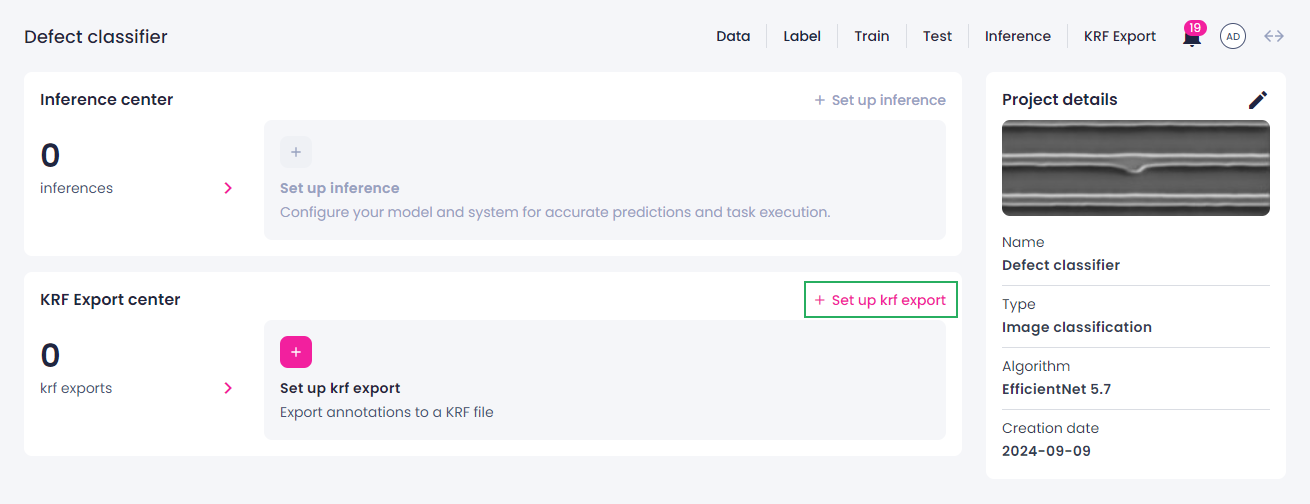
In the KRF export center section, click Set up KRF export.
-
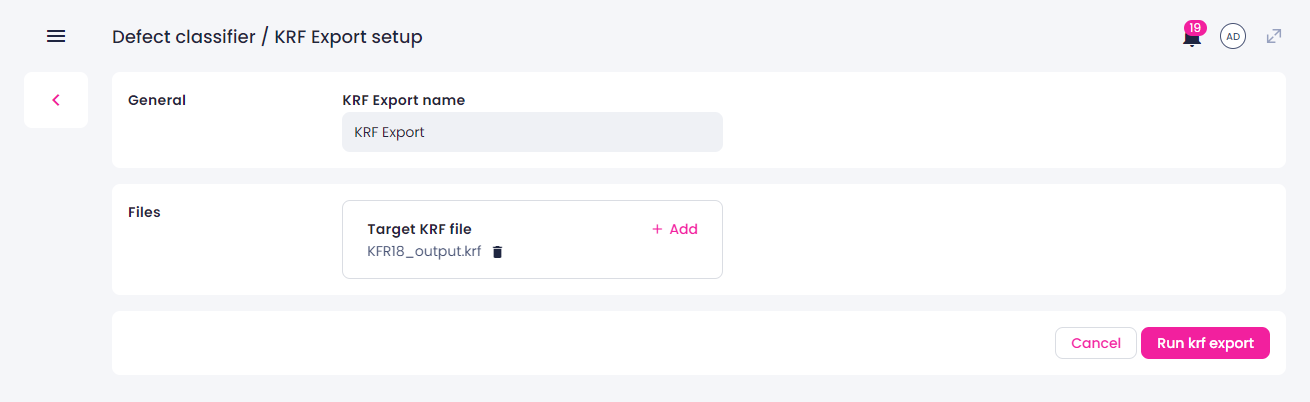
Change the KRF export name if needed.
- Upload a target KRF file from your computer.
-
Click Run KRF export.
-
Download the updated KRF file.
How it works
-
Comparison
The system compares the defect IDs in the target KRF file with the defect IDs of the platform samples.
-
Update process
- If a defect ID in the target KRF file matches an ID from the platform, the
CLASSNUMBERvalue in the file is updated with the most recent data. TheCLASSNUMBERvalue is updated only when the class name on the platform is an integer. - If no match is found, the defect ID in the target KRF file is skipped.
- If a defect ID in the target KRF file matches an ID from the platform, the
-
Results and download
After the update process:
- The updated KRF file will be ready for download.
- You can view the results of the update in the Defects information section of the KRF export center.