Rename tags
You can rename tags in the data center, label center, and test center. Once renamed, the change is visible in all centers.
To rename a tag in the label or test center
-
In the Tags panel on the left, click the edit button next to Tags.
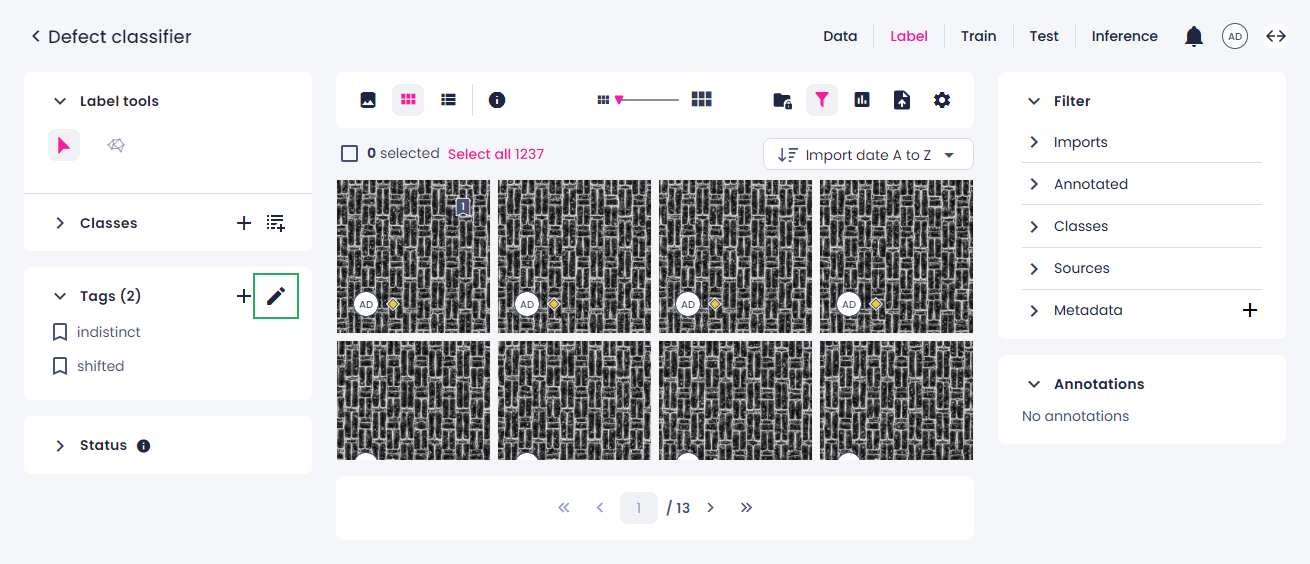
-
Hover over the tag you want to rename, and then click the edit button.
- Enter a new unique name, and then click Save.
- (Optional) Rename additional tags.
- Click Save to apply all changes.
To rename a tag in the data center
- On the Tags tab, hover over the tag you want to rename, and then click the ellipsis button.
-
Select Rename.
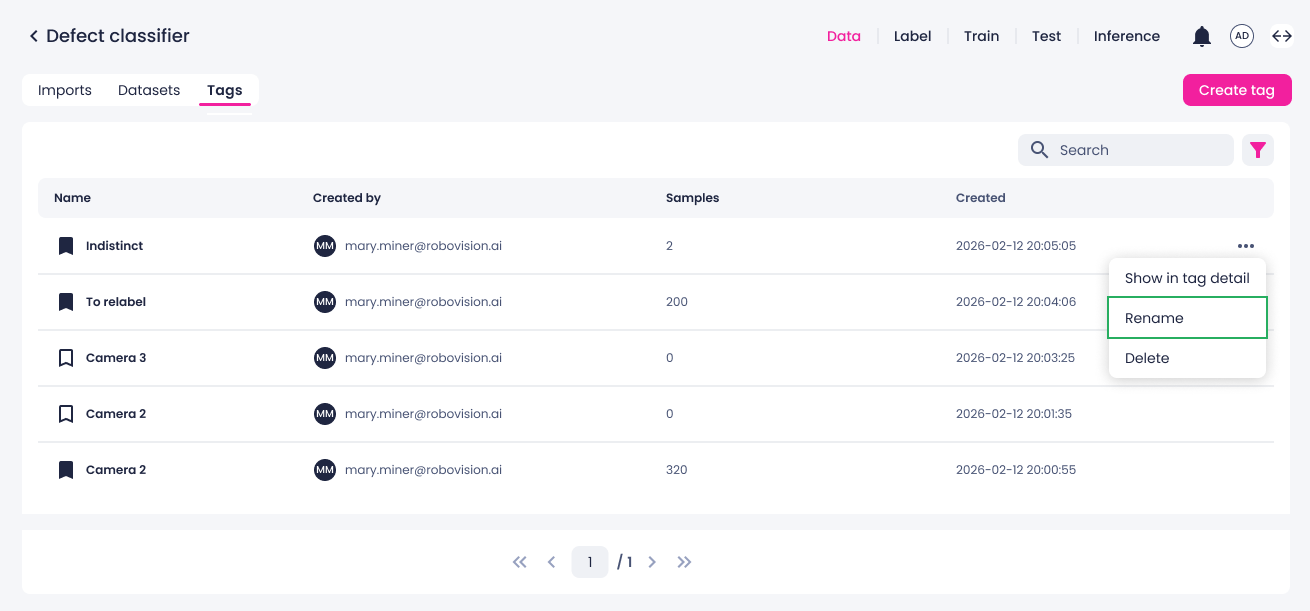
-
Enter a new unique name, and then click Save.