View project tags
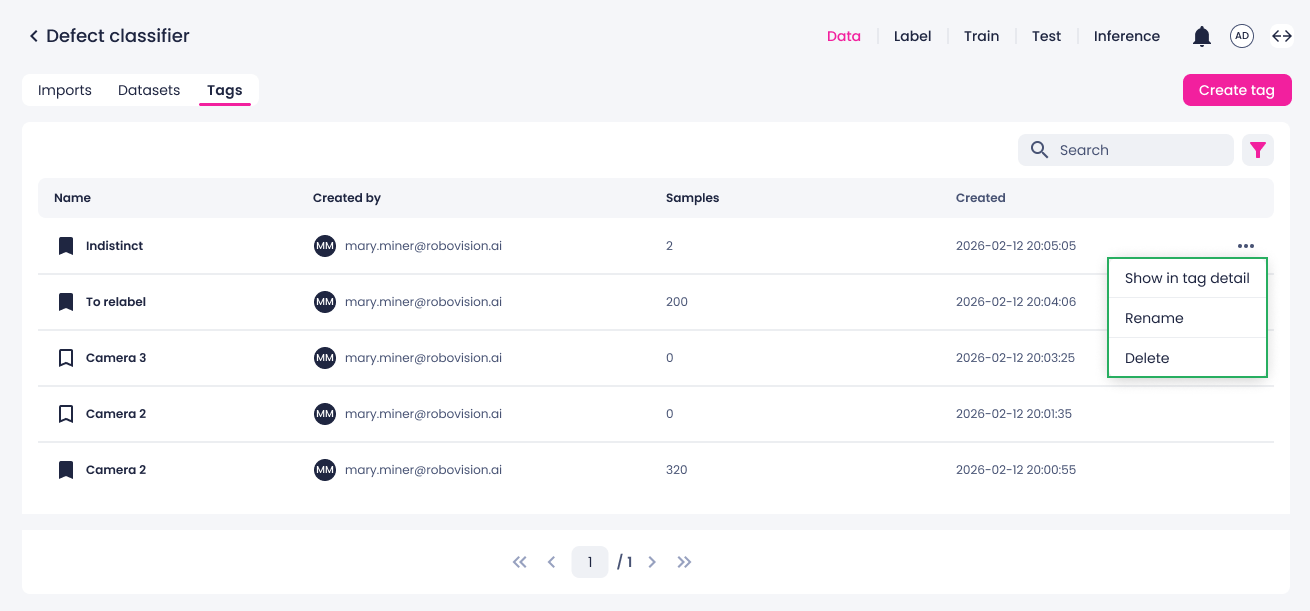
On the Tags tab of the data center, you can view all tags created in the label, test, and data centers of the current project.
Here, tags are displayed with their related metadata:
- Tag name.
- Email address of the member who created the tag.
- Number of samples to which the tag is assigned.
- Creation date.
Next to each tag, you can click the ellipsis button and do the following:
- View the samples with the tag.
- Rename the tag.
- Delete the tag.