Delete samples from imports
You can delete individual samples from an import in the data center without deleting the entire import.
When you delete samples from an import, they are removed from the data center, label center, and test center, and will no longer be available for use in any workflows.
To delete samples from an import
- On the project details page, navigate to the Data center section.
-
Open all imports by clicking the right-arrow button (
 ) in the Data center section.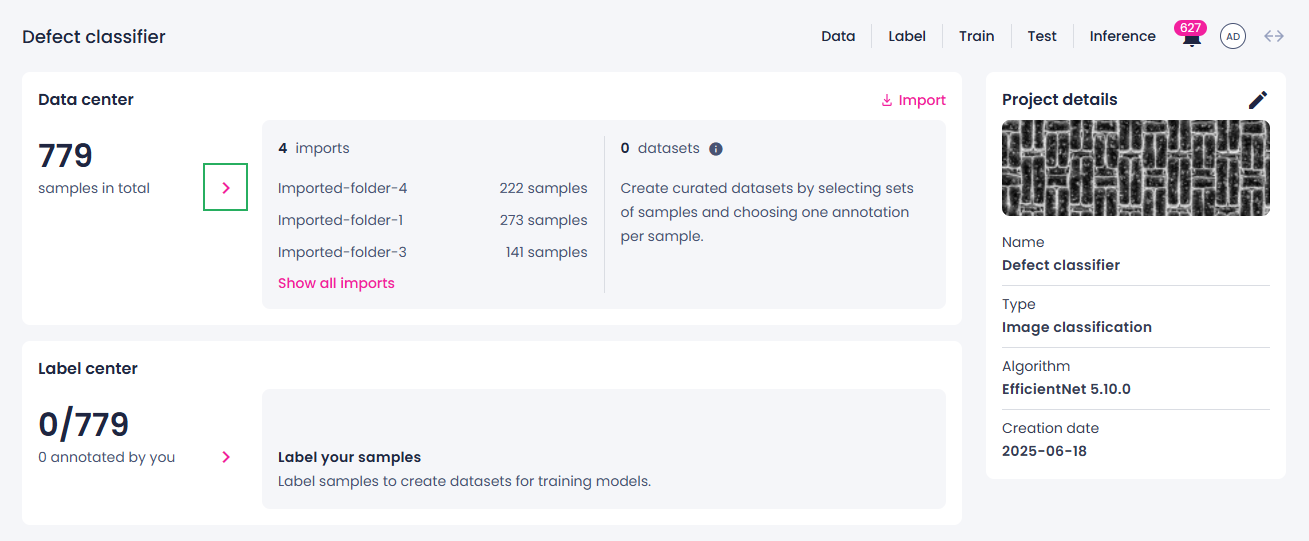
-
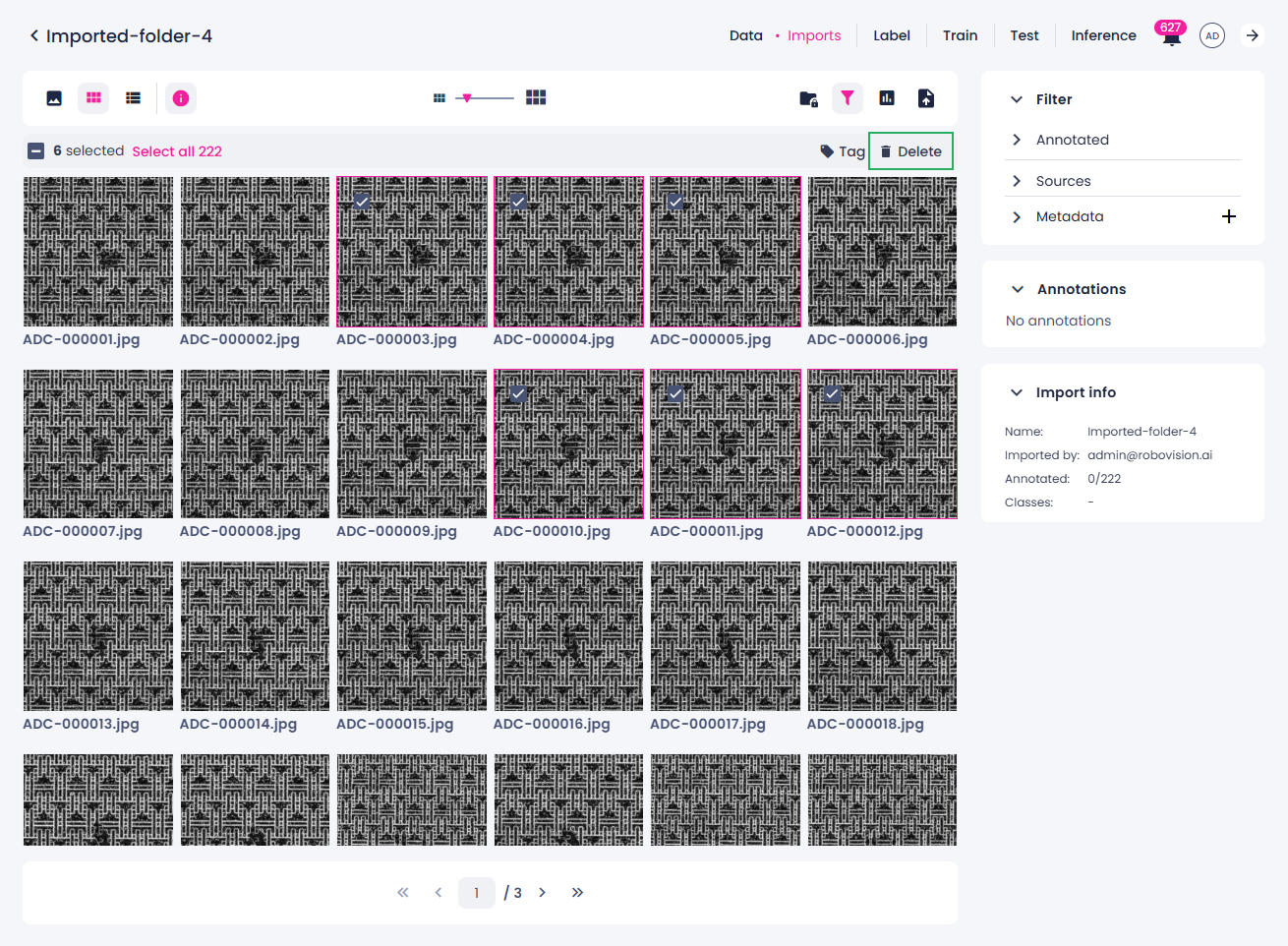
On the Imports tab, select the necessary import.
- Select one or a few samples. For more information on selecting samples, see Sample selection in different views.
-
Above the samples, select Delete.
-
In the confirmation dialog, click Delete samples.