View project imports
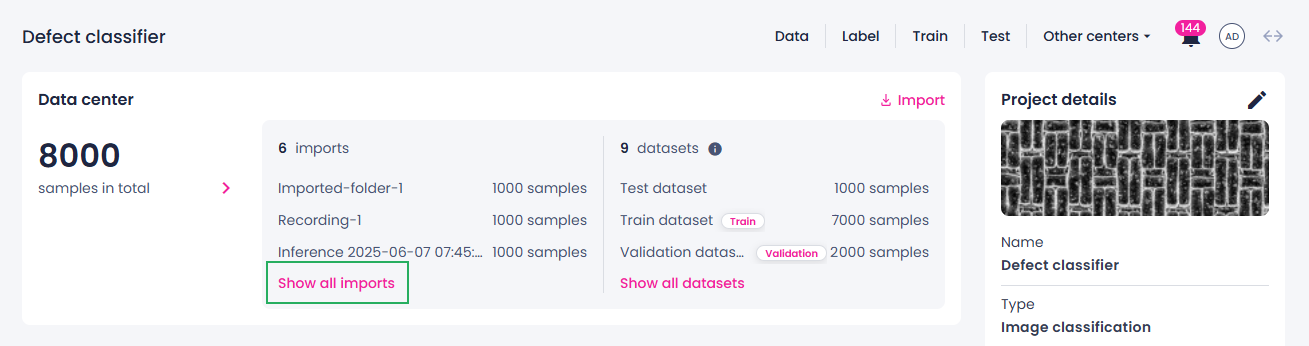
On the project details page, you can see the three most recent imports. If your project contains more imports, you can view them in the data center.
To view all imports
- On the project details page, navigate to the Data center section.
- Under the imports list, click Show all imports.
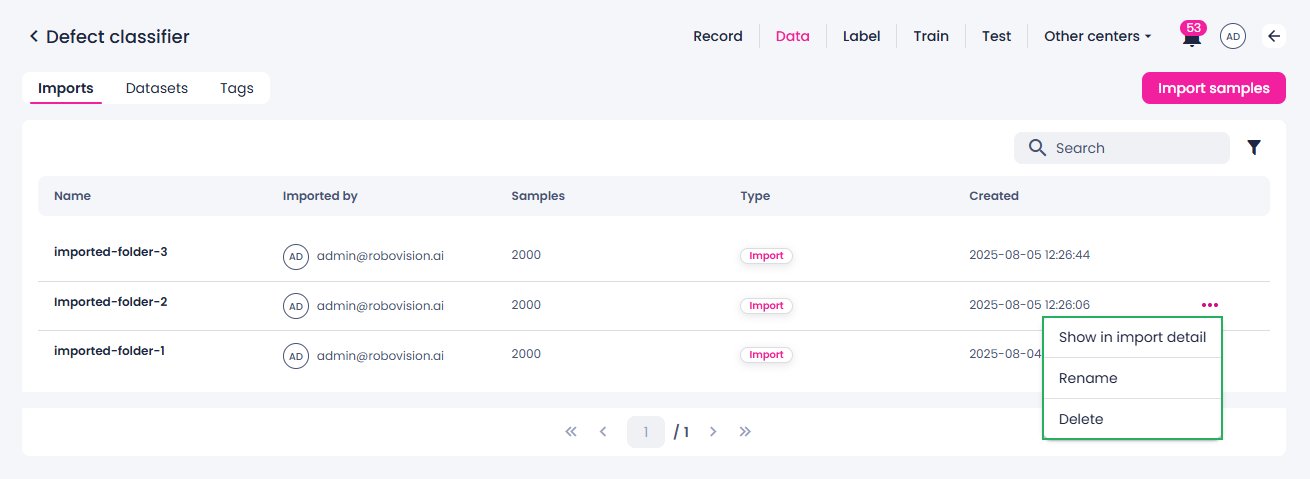
The data center opens. The data center provides a centralized interface to manage, view, and organize all imports used in your project. It includes detailed information such as:
- Import name
- Email address of the member who imported data
- Number of samples
- Type: if data is imported, recorded, or captured during inference
- Creation date and time
Next to each import, you can click the ellipsis button and do the following:
- View the import samples.
- Rename the import.
- Delete the import.