Download recording session logs
You can download the recording logs to verify data integrity or troubleshoot issues if your recording session fails.
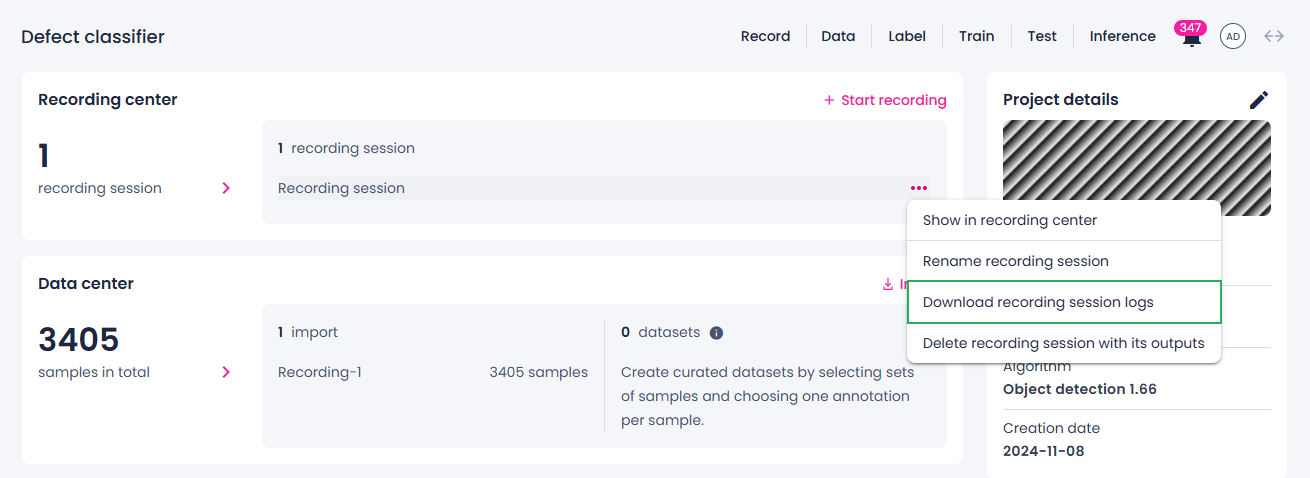
To download the recording logs
- On the project details page or in the recording center, locate the necessary recording session.
- Next to the recording name, click the ellipsis button.
- Select Download recording session logs.
The recording logs are downloaded.