Stop recording sessions
You may want to stop an ongoing recording session when the necessary data has already been collected, and further recording is no longer needed. Stopping the session will preserve the data recorded up to that point, but once the recording session is stopped, the session cannot be resumed.
Note
There is no way to pause the recording – if you stop it too early, you will need to start a new recording.
To stop a recording session
- On the project details page or in the recording center, locate the necessary recording session.
-
Click the stop button (
 ), and then in the confirmation dialog, click Confirm.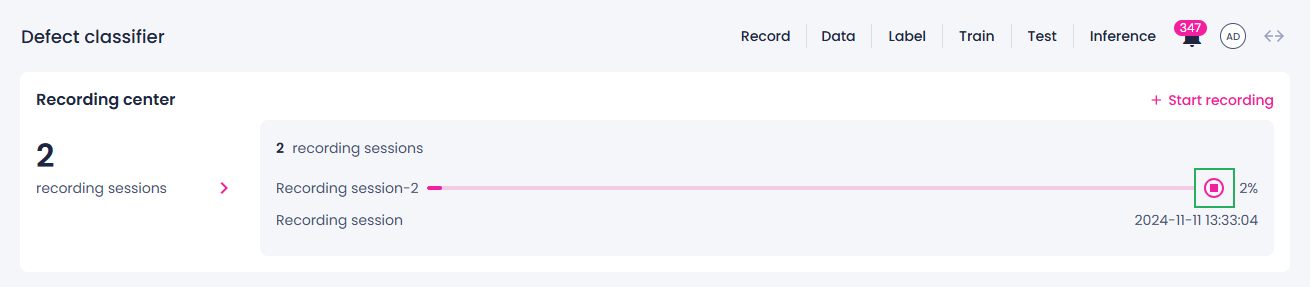
The recording session status changes to Stopping. During this time, data may continue to record until the session fully stops.