Complete onboarding
If you have received an invitation link to start working with Robovision AI, you will have to complete the onboarding process. The invitation link is send via an email or another communication channel.
To complete the onboarding
- In a browser, paste the invitation link into the address bar.
-
Press Enter.
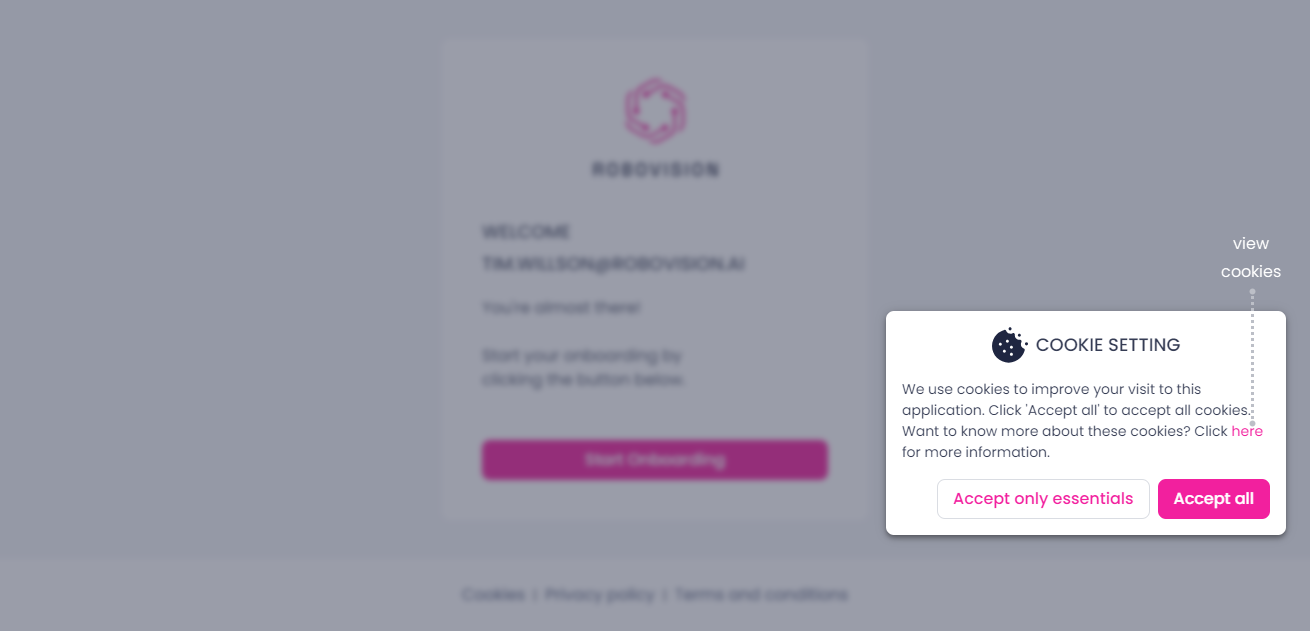
When working in Robovision AI for the first time, you will be prompted to accept the cookies. Cookies are files created by a web resource to make your online experience more efficient. The Robovision AI platform uses various cookies that can be broadly classified into three categories:
- Necessary: These cookies are essential for making core Robovision AI platform functionality work. Without these cookies, Robovision AI features will not work. For this reason, the users cannot entirely reject all the cookies. To accept only the required cookies, the user must click Accept only essentials in the lower-right corner of the login page.
- Preferred: These cookies support non-essential functionality and enhance the performance of Robovision AI. The platform will still generally work if these cookies cannot be set, although some features will be unavailable.
- Statistics: These cookies collect information about the way the platform is used.
-
To see the list of HTTP cookies, in the Cookie setting dialog, click here.
-
Choose to accept all cookies or only the necessary ones.
-
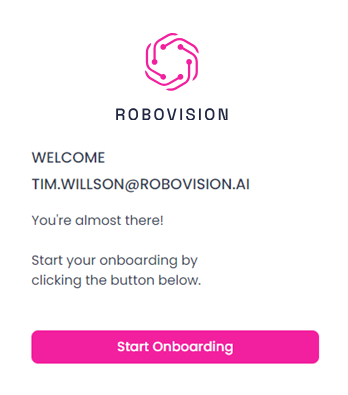
Click Start onboarding.
-
Get acquainted with the terms and conditions and the privacy policy.
-
Select the I have read and agree to these terms and conditions & the privacy policy checkbox, and then click Agree & sign up.
Note
To access the platform, you must accept the terms and conditions.
-
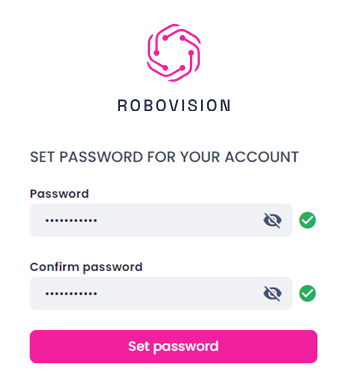
Set a password for your account.
Your password must be at least 8 characters in length and contain at least one capital letter, one numeric character, and one special character.
-
Click Set password.
Once you set up your password, the dialog appears informing you about the successful completion of the onboarding process. Close the dialog to continue working with the platform.