Change color theme
The default theme of the platform is light, but you can change it to the dark theme in the Your profile sidebar.
The dark theme has many benefits:
- Can reduce power usage by a significant amount (depending on the device’s screen technology).
- Improves visibility for users with low vision and those who are sensitive to bright light.
- Makes it easier for anyone to use a device in a low-light environment.
To change a color theme
- In the upper-right corner of the screen, click your avatar.
-
Select View profile.
The sidebar with your profile details opens.
-
In the sidebar, under Appearance, switch on the necessary theme.
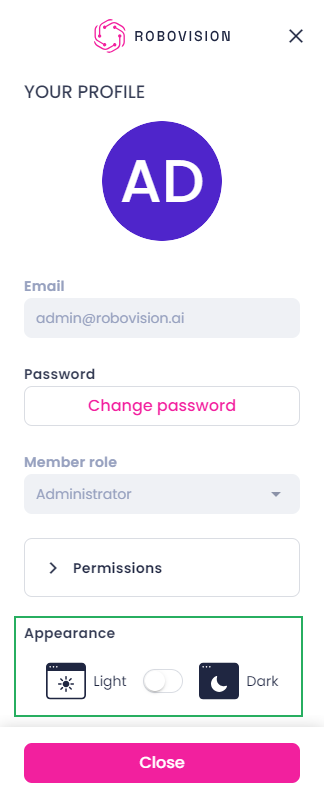
The theme of the platform changes to the selected mode. The theme is saved for all sessions in the current browser.