Request password recovery
If you’re unable to sign in to your Robovision AI account, follow these steps to recover access to your account.
To request a password recovery
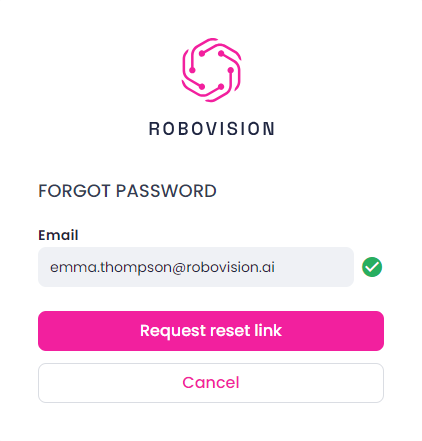
- In the Login dialog, click Forgot your password.
- Enter your email.
-
Click Request reset link.
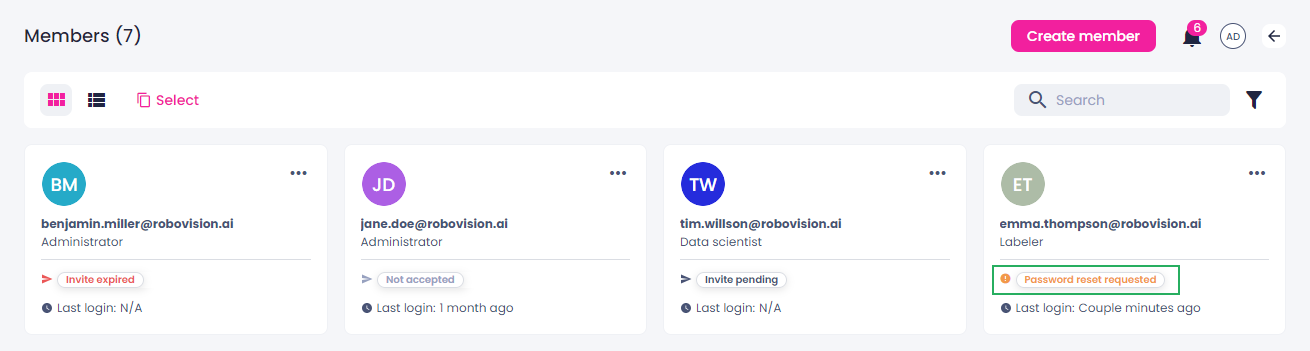
If the provided email exists, your status on the Members page changes to Password reset requested. The administrator is now able to reset your password.