Model training
Once you have a labeled dataset, you can train your first model. You can train multiple models in one project. The list of all trainings in a project is displayed on the project details page. To view and compare the training details, click the right-arrow button ( ) in the Training center section.
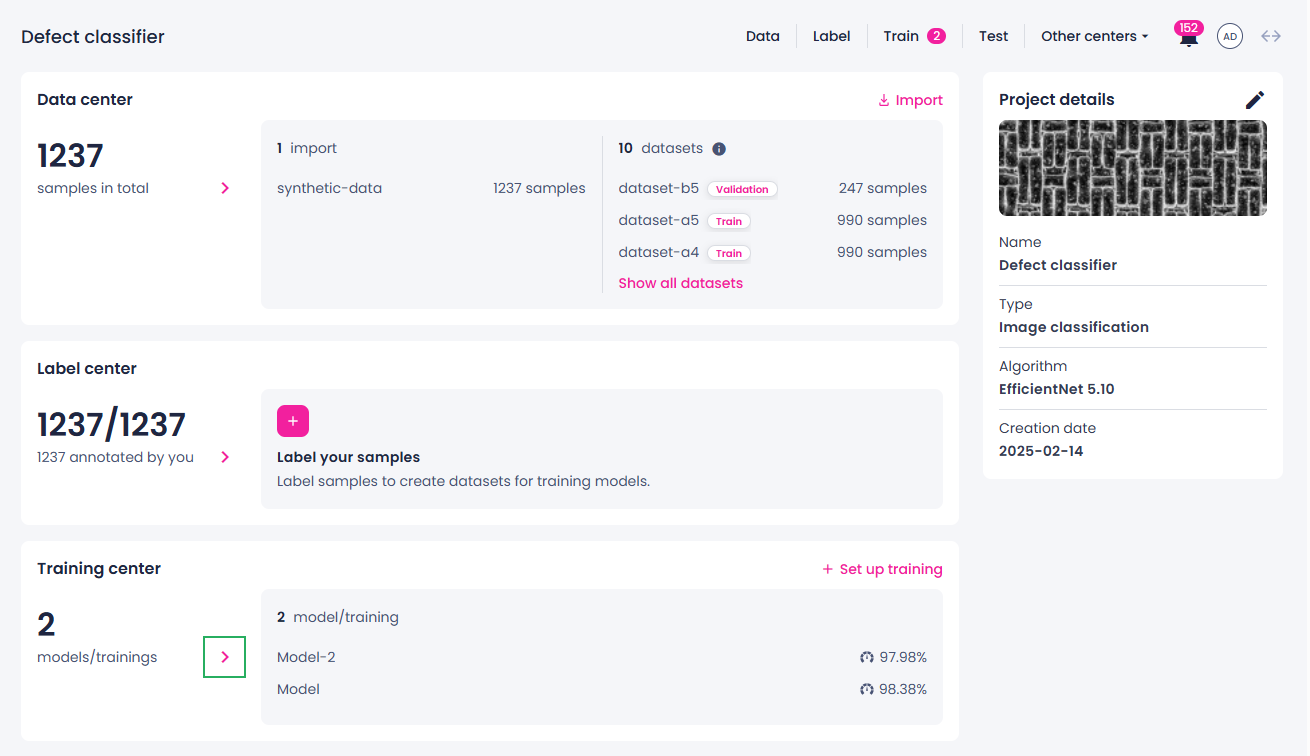
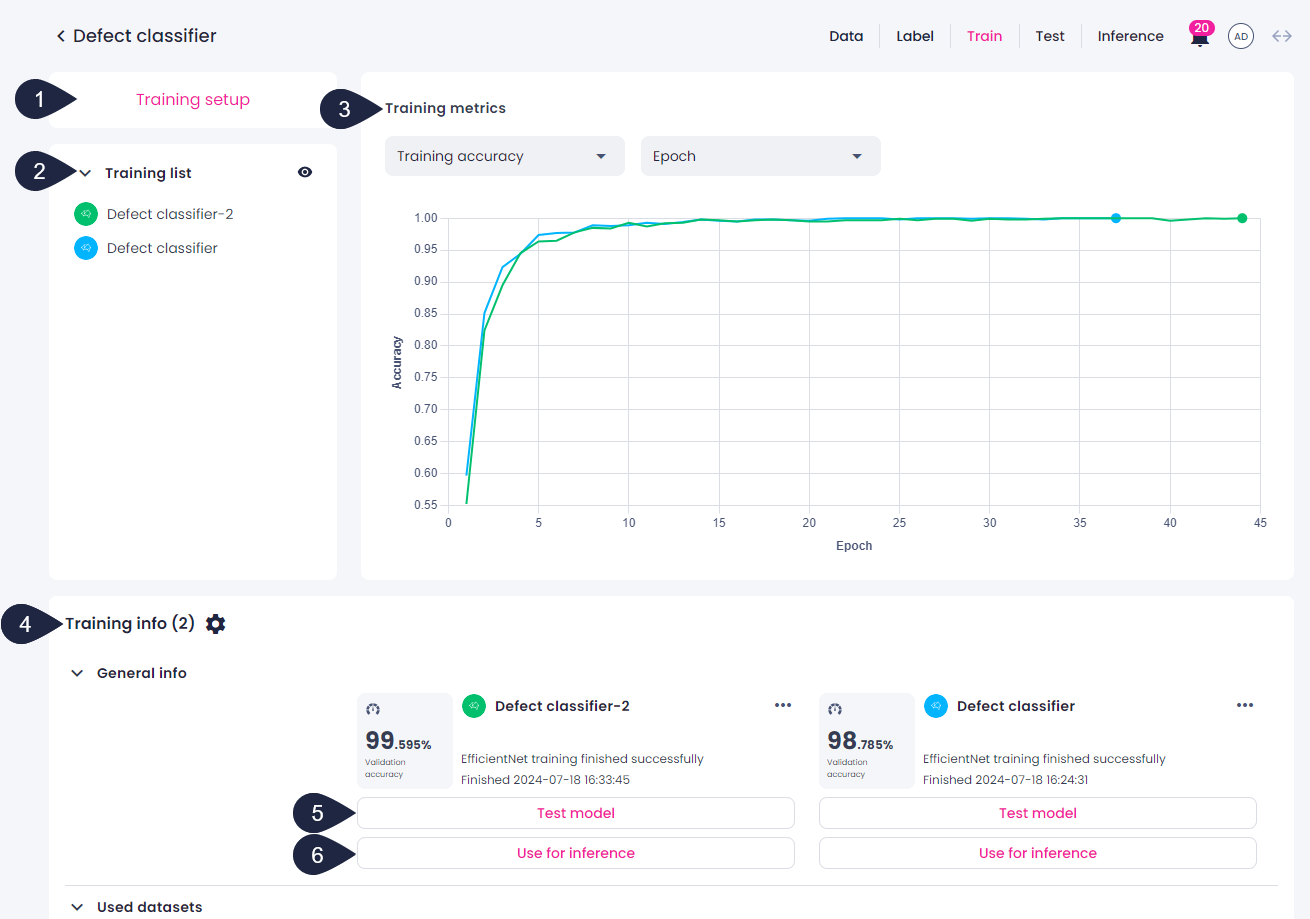
The training center opens. In the training center, you can do the following:
- Initiate a new training by clicking the Training setup button in the upper-left corner.
-
View the list of trainings and control the visibility of trainings.
You can show or hide all trainings at once to focus on specific ones. The visibility can be managed in the Training list section using the eye icon.
To hide or show trainings:
- Click the top eye icon to hide all visible trainings or show all trainings if some are already hidden.
- Click the eye icon next to each training to control individual training visibility.
-
View the metrics for certain trainings.
- Compare the training details.
- Test your model.
- Use a model for inference.
If you initiate model testing or inference from the training details page, the model will be already pre-selected.
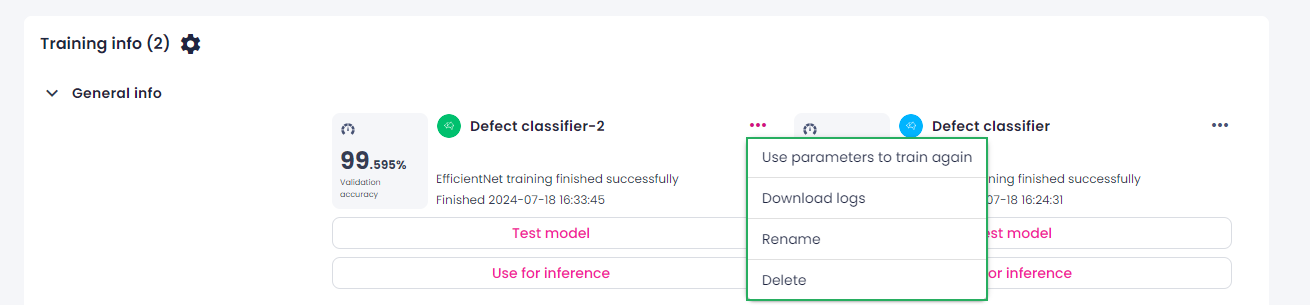
Next to each training, you can click the ellipsis button and do the following:
- Use the same parameters to train a new model.
- Download logs, if available.
- Rename the training.
- Delete the training.