Project management
Commissioning AI lifecycle
After you log in, you will see the projects overview page. Here you can view all projects, create new projects, and edit existing projects. Every project is displayed as a card with the project name, project type, algorithm, and creation date on it.
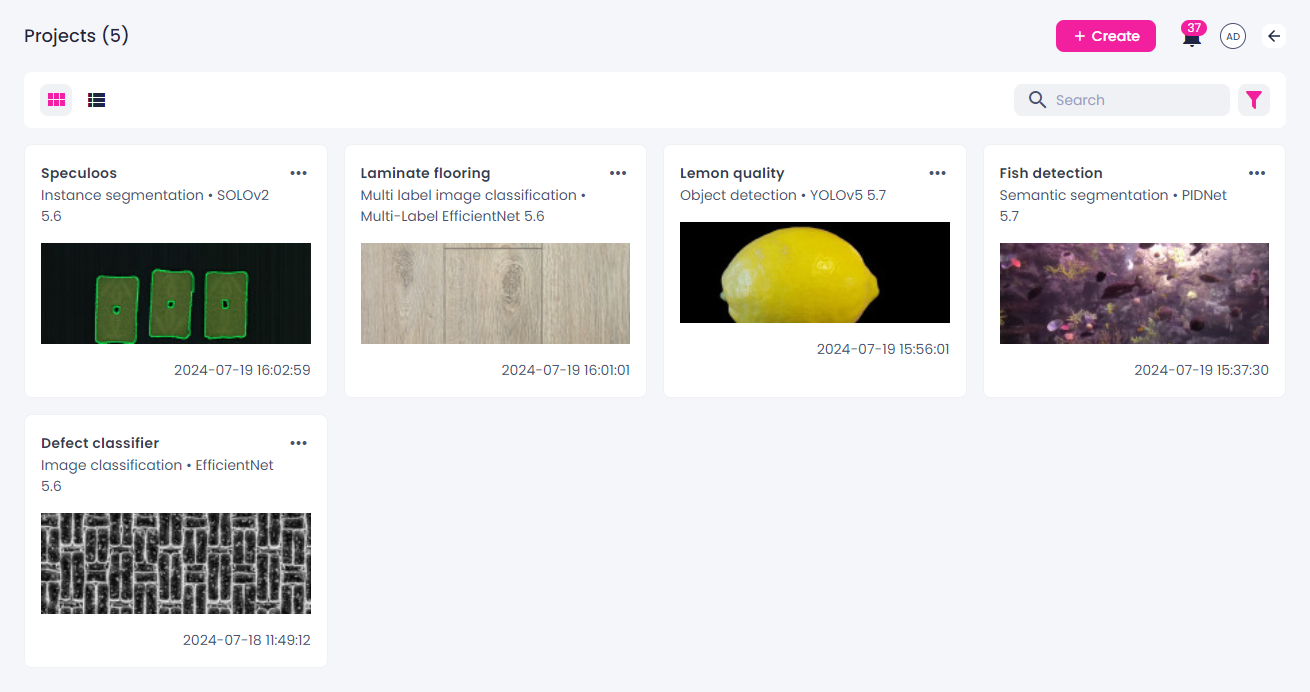
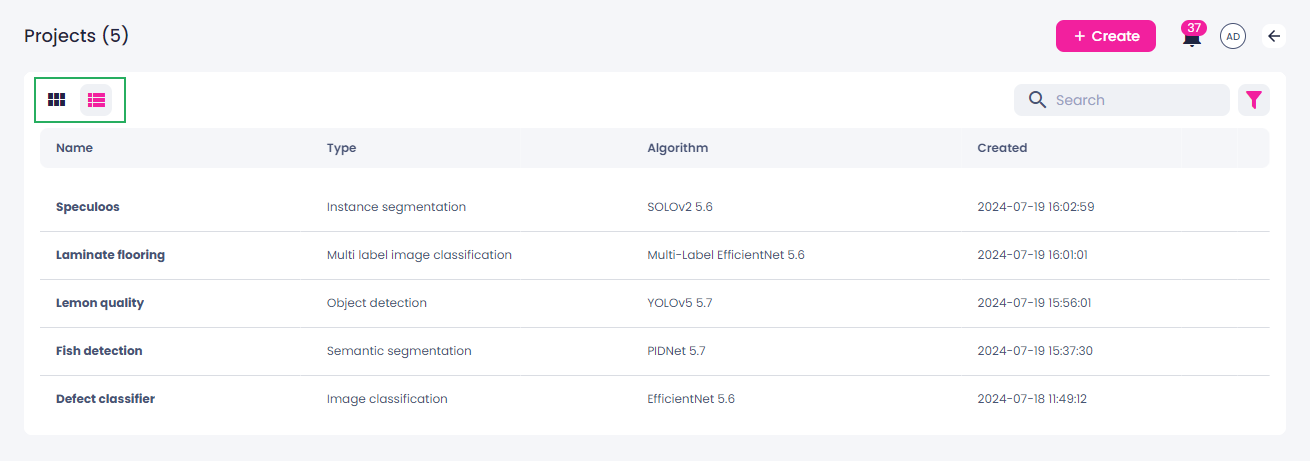
You can change the way your projects are presented—from thumbnails to a list. The list view is more detailed, it may also include project metadata for those project types that support it.
To quickly find the needed project, use the search box on the toolbar.
You can also filter projects by type, algorithm, creation date, or project metadata (if available). To access the Filter panel, click the filters button ( ) on the toolbar.