Edit project info
You can rename your project or update the project description. You can also add or update project metadata if the project type supports it.
To edit the project info
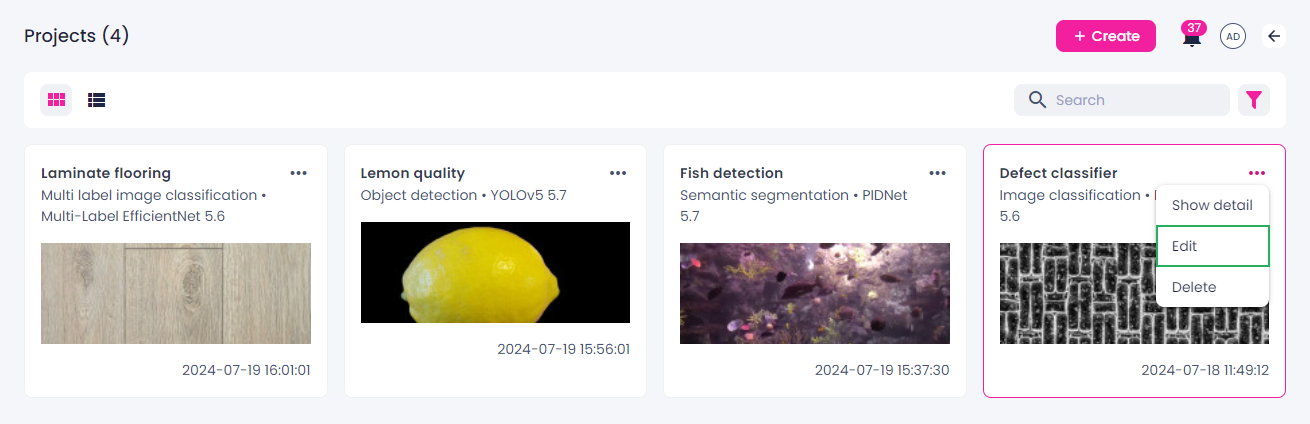
- Go to the Projects module.
- Click the ellipsis button on the thumbnail of the project that you want to edit.
-
Select Edit.
-
In the Edit project sidebar, update the necessary info:
- Project name
- Project description
-
Click Save.
The project info has been updated.
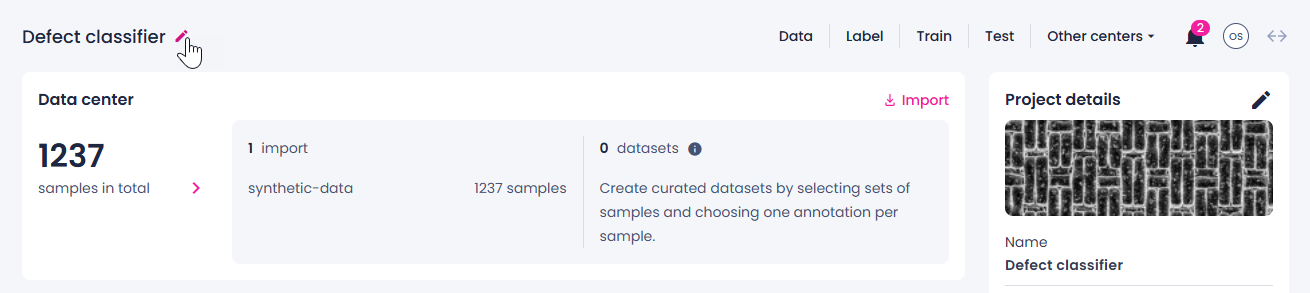
You can also rename your project on the project details page. For this:
-
Click the edit button next to the project name.
-
Edit the project name.
- Press Enter.