Export brand assets
After you customize brand assets in a Robovision AI instance, you can export and transfer them to another Robovision AI instance.
To export brand assets
- On the menu, go to System > Settings.
-
In the Brand assets section, click the export button.
Note
If the export button is inactive, it means that Robovision AI still uses default brand assets. To customize the look and feel of the platform, see Change brand assets.
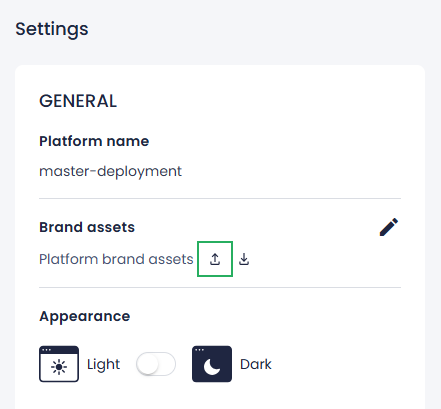
A JSON file with brand assets is saved to your computer. Now, you can import brand assets into another Robovision AI platform.