Import brand assets
You can quickly customize the look and feel of your Robovision AI platform by importing a JSON file with brand assets.
To import brand assets
- On the menu, go to System > Settings.
-
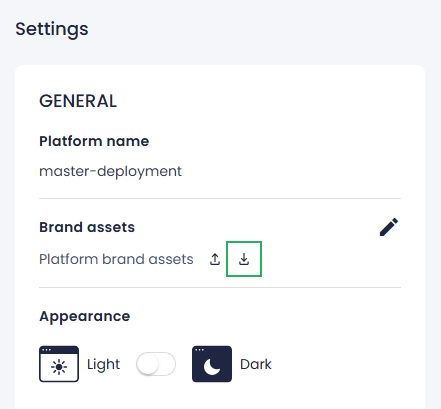
In the Brand assets section, click the import button.
-
Select the file on your computer, and then click Open.
- In the confirmation dialog, click Confirm.
The brand assets are imported. Your source and target Robovision AI platforms now have the same brand assets.