Reset brand assets
If needed, you can return to the default brand assets at any time.
Tip
Before resetting the platform branding, consider exporting the brand assets you currently have. This way, you can save your customizations and use them again in the future.
To reset brand assets
-
Download the following file with the default brand assets.
-
Extract files from the ZIP.
The ZIP contains the following files:
default-branding.json– resets the logo, favicon, primary color in the light theme, cookies, terms and conditions, privacy policy, and link to the documentation.default-branding_on-screen-text.json– resets the UI text.
-
Import the default brand assets:
- On the menu, go to System > Settings.
-
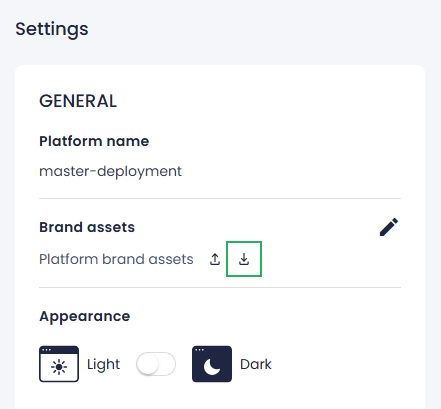
In the Brand assets section, click the import button.
-
Select the
default-branding.jsonfile on your computer, and then click Open. - In the confirmation dialog, click Confirm.
All customizations are reset except for the UI text.
-
Reset the UI text:
-
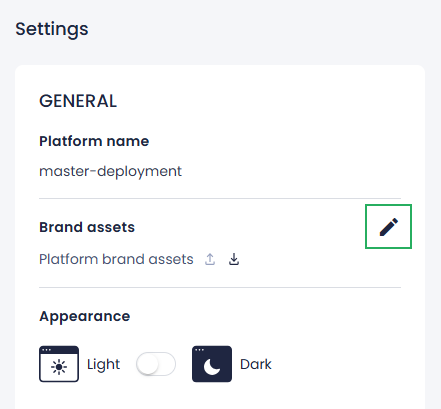
In the Brand assets section, click the edit button.
-
In the Edit brand assets sidebar, next to On-screen text, click Browse.
- Select the
default-branding_on-screen-text.jsonfile on your computer, and then click Open. - To save your changes, click Apply.
The UI text on your Robovision AI platform is now also reset.
-
