Download validation logs
You may want to download the validation logs for your camera configuration to ensure that cameras are functioning correctly or troubleshoot the issues with cameras data or functionality.
To download the validation logs
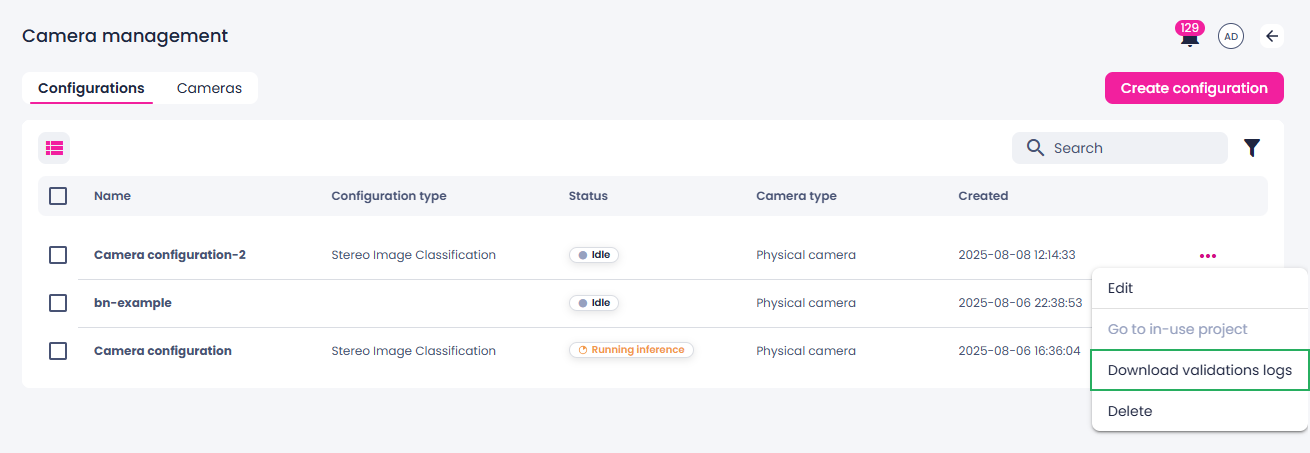
- On the menu, go to System > Camera management.
- On to the Configurations tab, hover over the necessary configuration.
- Click the ellipsis button.
-
Select Download validation logs.
-
If necessary, select the location where you want to save the validation logs.
- Click Save.
The camera validation logs are downloaded.