Test platform-to-platform connection
Over time, the connection between two Robovision AI platforms may be lost. For example, if one of the platforms gets a major upgrade, the platforms become non-compatible. Also, the platforms will get disconnected if someone deletes the member whose credentials were used to set up the connection.
In such cases, you won't be notified that the platforms are no longer connected. However, you can manually test the connection whenever needed.
To test the connection
- On the menu, go to System > Settings.
-
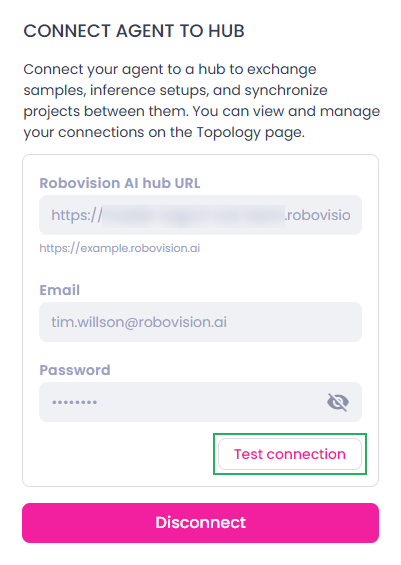
In the Platform-to-platform connection section, click Test connection.
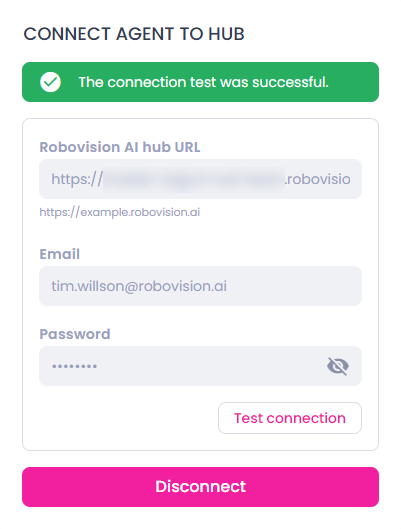
If the test is successful, you will receive the following message.