Create system classes
In this article, you will learn how to create classes on the Classes page of the System module. Any class on Robovision AI can be reused in any project.
Class names have to comply with the following rules:
- Be 1–255 characters long.
- Contain letters (a–z, A–Z), digits (0–9), underscores, dashes, or spaces.
To create a class
- On the menu, go to System > Classes.
-
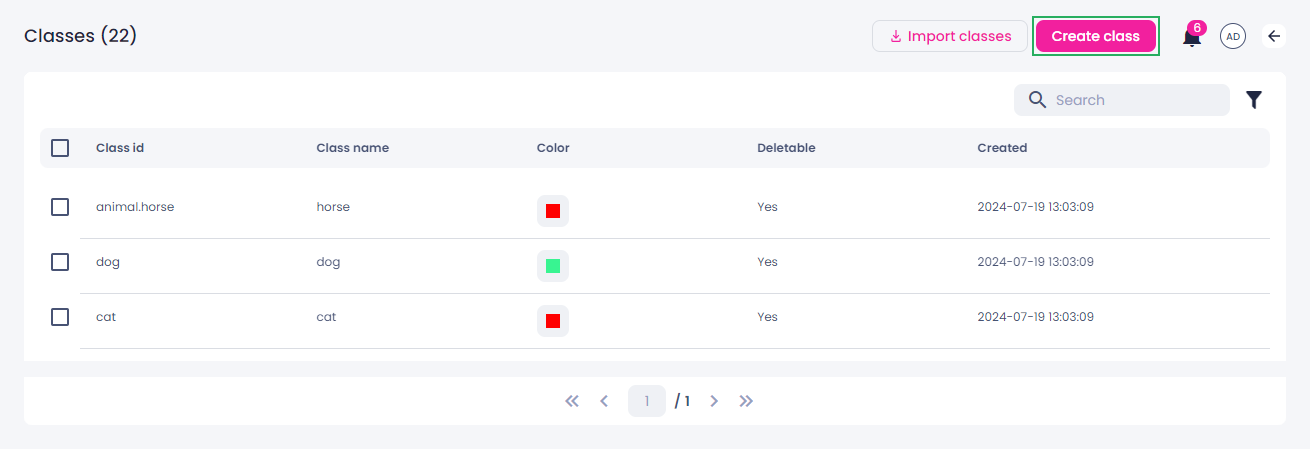
In the upper-right corner of the screen, click Create class.
-
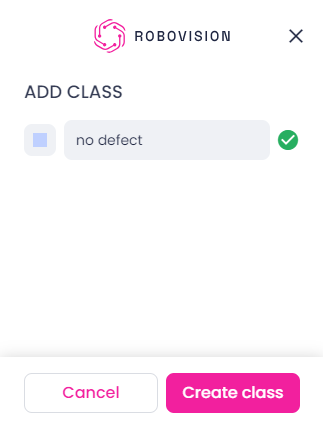
In the Add class sidebar, enter the class name.
-
To change the default class color:
- Click the color square.
- Select the necessary color.
-
To save the new class, click Create class.
The class appears in the list of classes and can be added to your projects.
Any class created in a project will also appear in the list of classes.