Import system classes
In this article, you will learn how to import classes on the Classes page of the System module. The classes imported here can be reused in any project.
You can import classes into Robovision AI in the following formats.
KRF
KRF or KLARF (KLA Tencor Result File) is a file format used in the semicon industry to exchange classification results. These files can contain a class lookup table that can be imported in Robovision AI. The platform supports KRF files of the 1.2 and 1.8 versions.
CSV
Classes can be imported as CSV (comma-separated value) files, which can be created in a text editor or a spreadsheet program like Microsoft Excel.
- The header should be
id,name,color. - Only the
idfield is mandatory. Thenameandcolorcan be left empty. - The
colorcan be a hex code.
Example of a valid CSV:
To import classes
- On the menu, go to System > Classes.
-
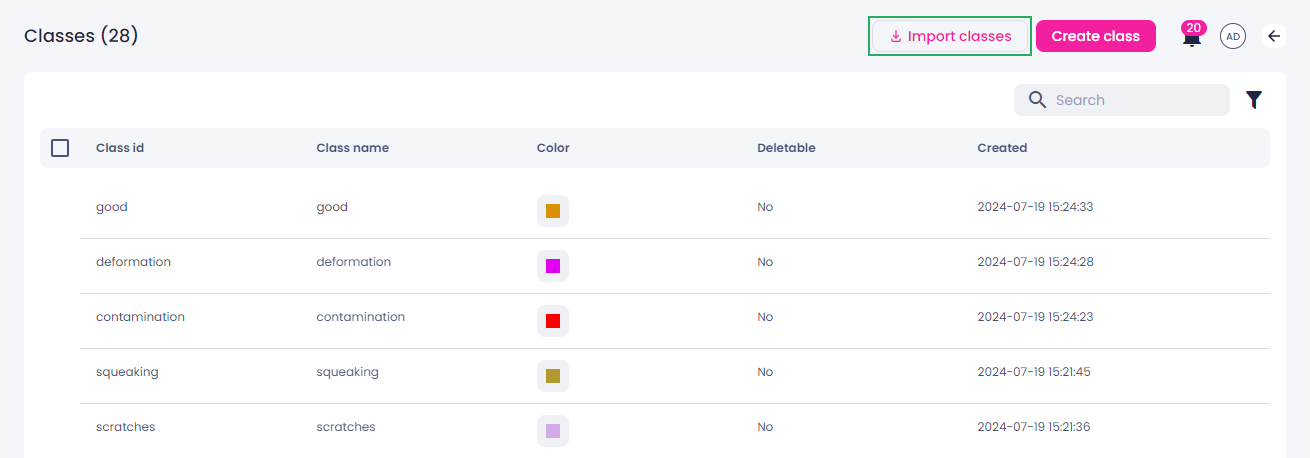
In the upper-right corner of the screen, click Import classes.
-
Select a KRF or CSV file on your computer, and then click Open.
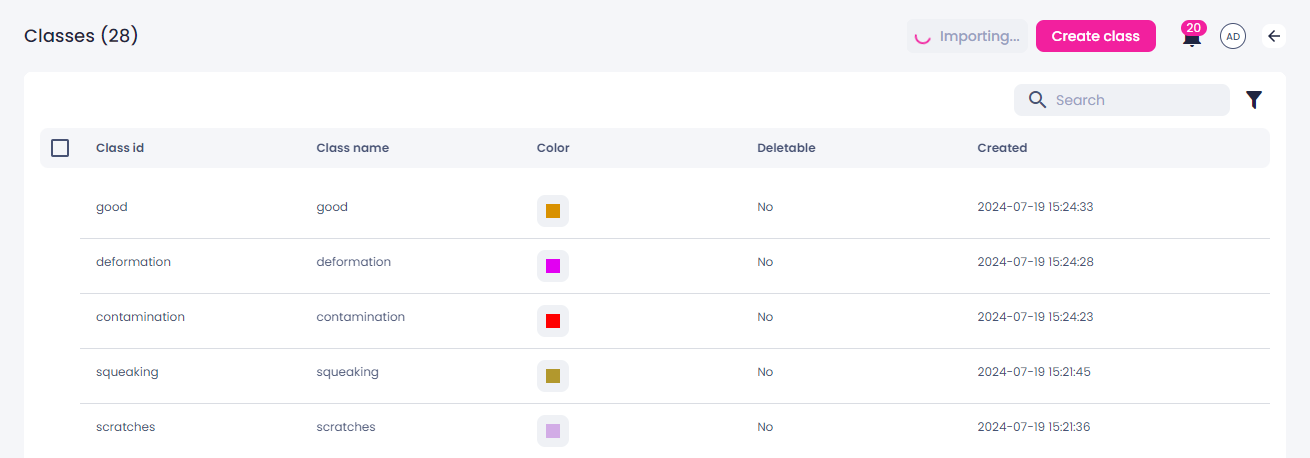
The button changes to Importing.
Once the classes are imported, they will appear in the list of classes and can be added to your projects.
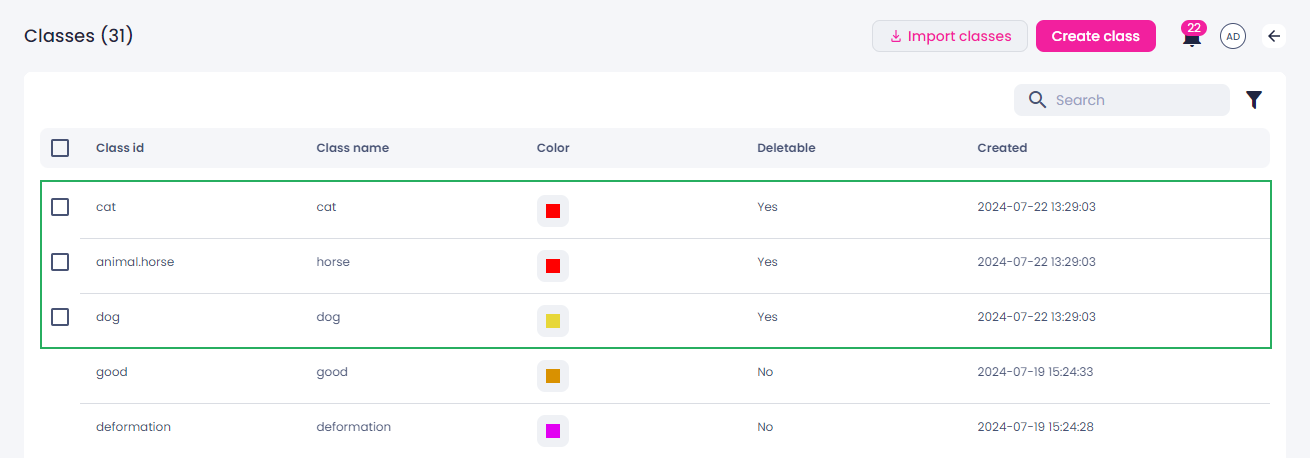
You can now change a class color in the Color column or delete unnecessary classes.