Delete members
If a member no longer needs an account, you can delete it. The labels created by the deleted member do not get deleted and are displayed in the platform as created by the Unknown labeler.
Note
You can't delete your own account.
To delete a member
- On the menu, go to System > Members.
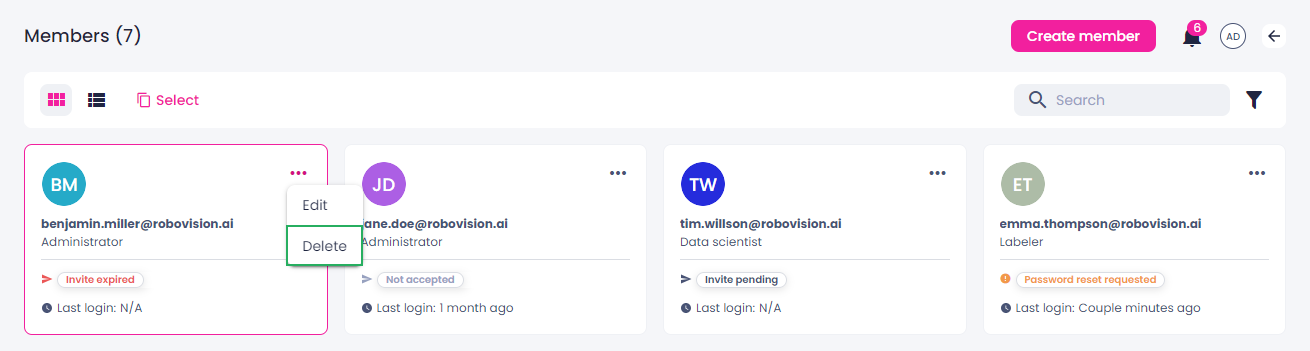
- In the thumbnails view, next to the necessary member, click the ellipsis button.
-
Select Delete.
-
In the confirmation dialog box, click Delete member.
The member is deleted from the platform.