
Create project
The first step towards creating a DINOv3 few-shot segmentation solution is to create a new project. Later, within your project, you will be able to import data, label it, train and test your model, and create reusable annotated datasets.
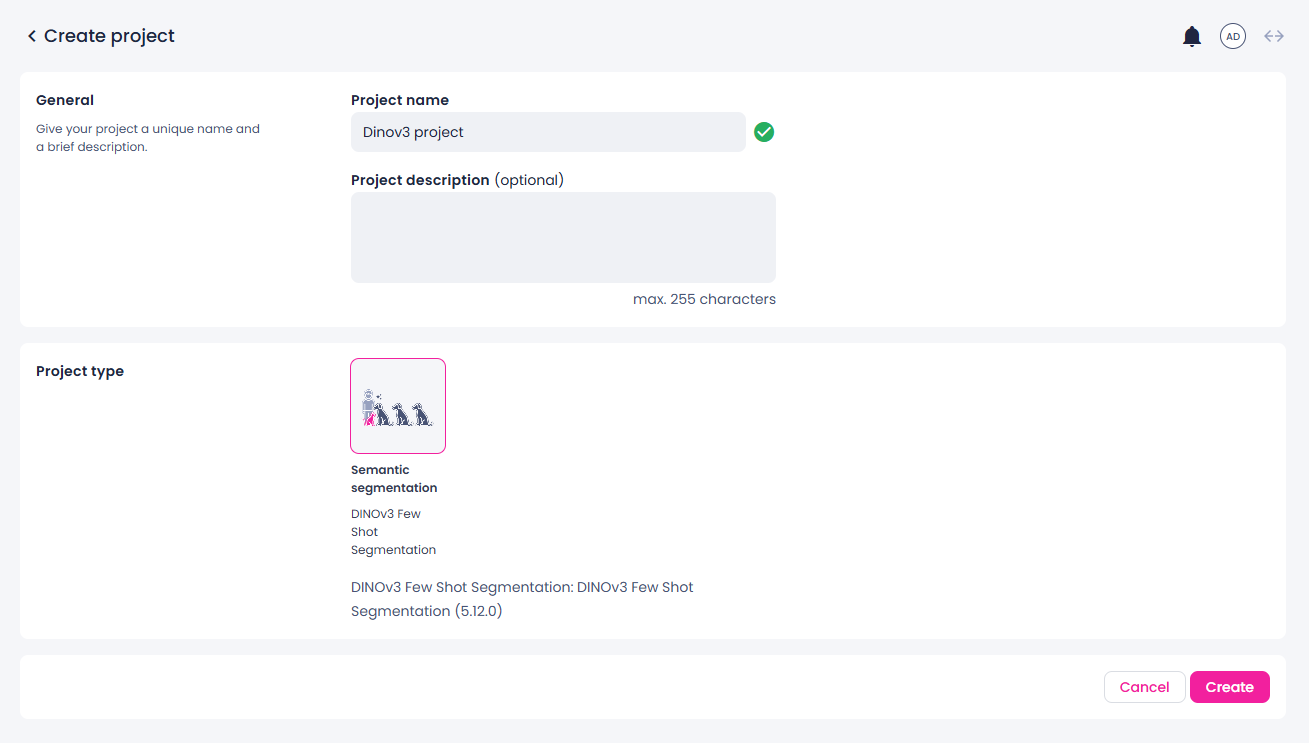
To create a project
- Go to the Projects module.
- In the upper-right corner of the screen, click Create.
- Enter the name for your project.
- (Optional) Add a project description.
- Select the Semantic segmentation: DINOv3few shot segmentation project.
-
In the lower-right corner, click Create.
The new project is created and displayed in the list of project.